
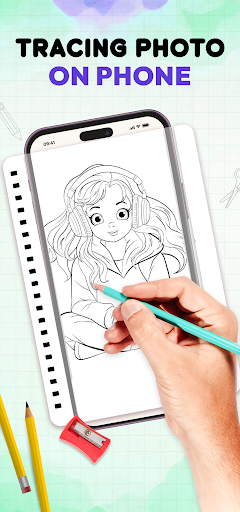
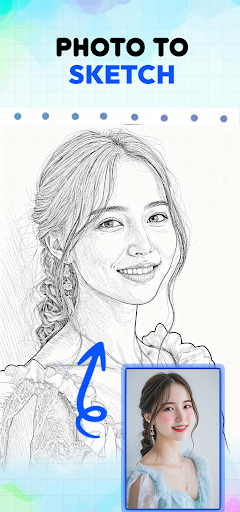
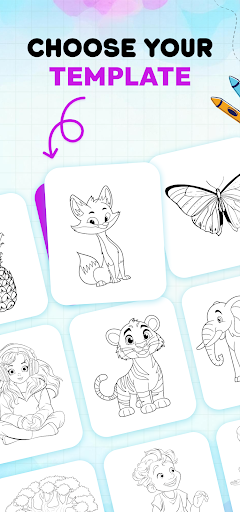
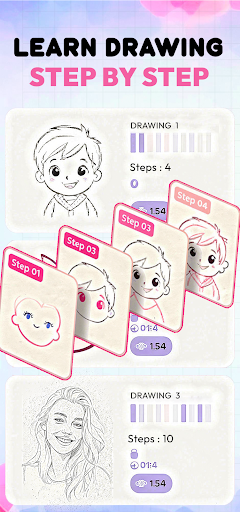
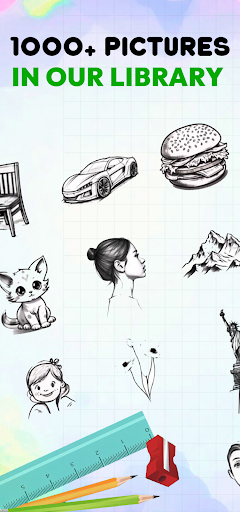
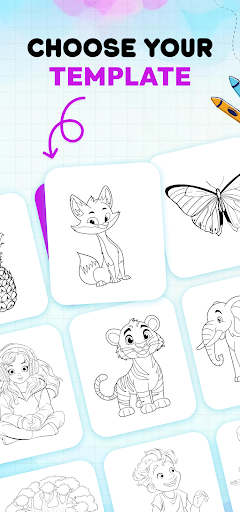
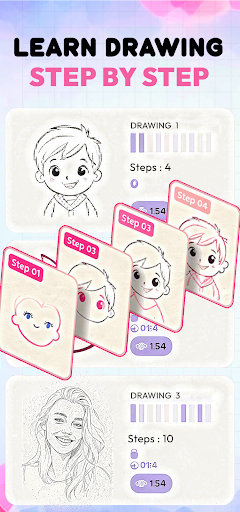
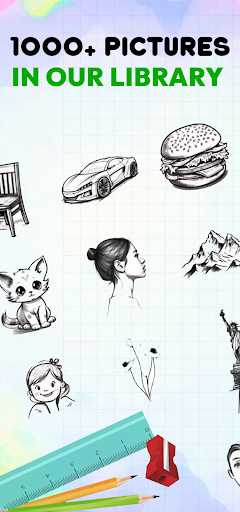
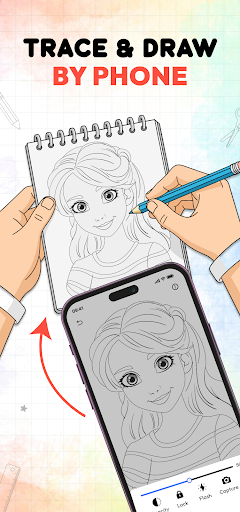
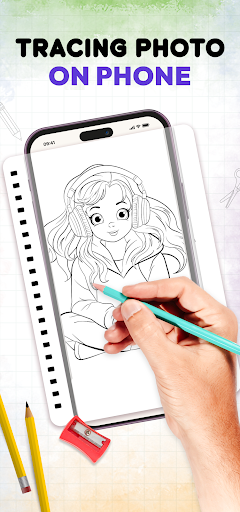
ArtHub: Trace & Draw Sketch transforms your phone into a versatile drawing companion, enabling you to trace images directly onto real paper using your device’s camera. This app provides step-by-step guidance to help users learn how to draw various subjects, including anime, manga, and general sketches. By overlaying drawing templates onto your camera feed, you can follow outlines to improve hand control and achieve better proportions, making it a practical tool for beginners and those looking to refine their sketching abilities. It also supports importing your own photos to use as tracing references.
Camera-Assisted Tracing
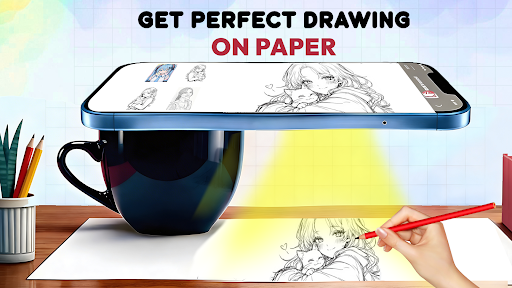
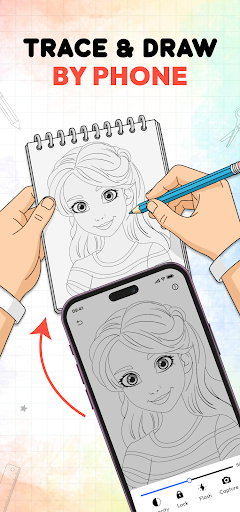
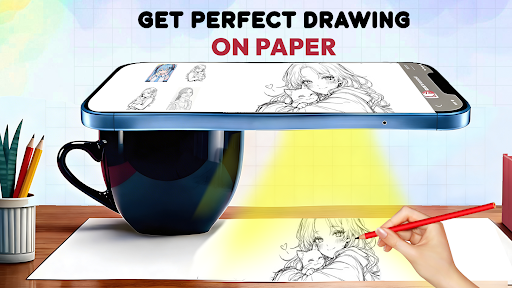
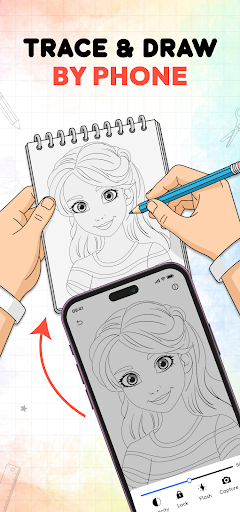
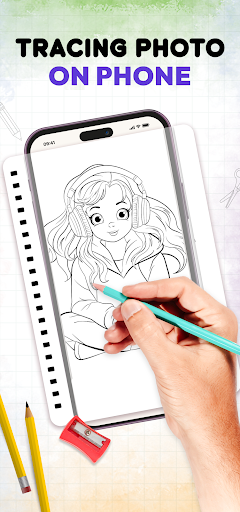
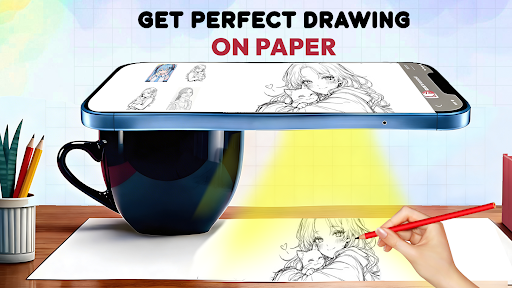
The core functionality of ArtHub allows users to trace images onto physical paper. To do this, you place your phone above your drawing paper, open the app’s camera feature, and select a drawing template. The app then overlays the chosen template onto your live camera feed, allowing you to see both the template and your paper simultaneously. You can then follow the lines displayed on your screen to accurately trace the image onto the real paper beneath, aiding in the creation of pencil sketches with improved accuracy and proportions.
Step-by-Step Drawing Guidance
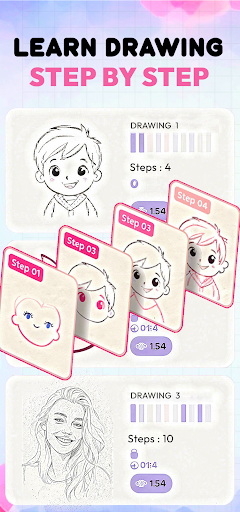
ArtHub offers structured, step-by-step guidance designed to help users learn various drawing techniques and subjects. This feature is integrated to assist in developing drawing skills, covering everything from basic sketching to more intricate designs. It aims to make the learning process accessible, supporting users as they practice and refine their drawing abilities daily.
Extensive Drawing Template Library
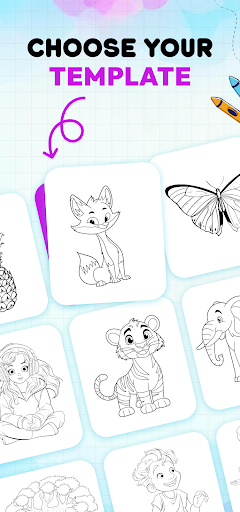
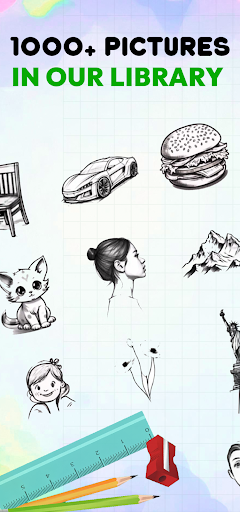
The app includes a broad and regularly updated collection of drawing templates across numerous categories. Users can select from templates featuring Anime, Cartoons, Animals, Birds, Flowers, Nature, Portraits, Vehicles, Food, Objects, Fantasy Art, and Cute Characters. This diverse library provides a wide range of subjects for practice, catering to different interests and skill levels. Recent updates have added even more anime and general drawing templates to the collection.
Focused Anime and Manga Practice
For those interested in specific art styles, ArtHub provides dedicated tracing guides for practicing anime and manga characters. This includes templates and guidance for drawing anime faces, manga characters, chibi art, anime eyes, hairstyles, cartoon characters, action poses, and cute characters. Engaging with these focused templates helps users improve specific skills like line art, facial expressions, proportions, and overall sketching techniques relevant to these styles.
Importing Personal Photos for Reference
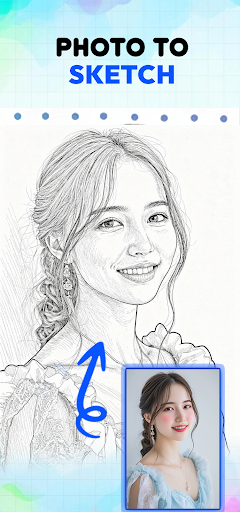
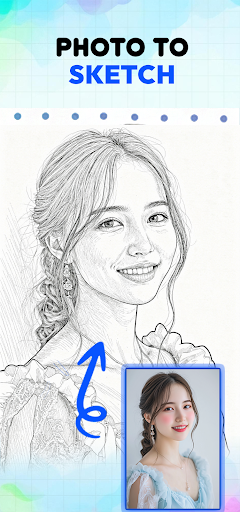
Beyond the built-in template library, the app allows users to import their own photos from their device’s gallery. These personal images can then be used as drawing references, enabling you to trace portraits, pets, landscapes, vehicles, objects, logos, or custom artwork onto paper. This feature turns your favorite photos into traceable outlines, expanding the possibilities for practice and creative projects.







Write a review